How To Take Professional Quality Photos Using Your Smartphone Camera
You do not need to carry around a bulky DSLR to capture stunning images that stop people in their scrolls. With the right techniques and a little bit of practice, you can consistently capture professional quality photos using your smartphone camera. It really comes down to understanding how to harness the powerful technology already in your pocket. Let's dive into how you can elevate your mobile photography game and start creating images that stand out.
Understanding Your Smartphone Camera Settings
Most people rely entirely on their phone's default auto mode, but moving beyond this is the first step toward better photography. Open your camera app and explore the manual or professional settings, which are available on almost all modern devices. These settings allow you to take control of critical factors like exposure, shutter speed, and white balance.
Understanding how exposure impacts your image is vital. When you tap on your screen to focus, a sun icon usually appears; sliding this up or down allows you to adjust the brightness manually before you snap the shot. Learning to balance these settings prevents blown-out highlights or underexposed shadows, leading to much cleaner images right out of the camera.
Mastering Natural Light for Stunning Shots
Light is the most important element in any photograph, and learning to work with it will instantly improve your results. Whenever possible, avoid using the harsh, direct flash built into your phone, as it often creates flat, unnatural shadows and washed-out colors. Instead, seek out soft, diffused natural light to create depth and dimension.
The golden hour—the hour just after sunrise or just before sunset—is arguably the best time for photography. During this time, the light is soft, warm, and flattering, perfect for portraits or landscapes. If you are shooting indoors, position your subject near a window to utilize the gentle light streaming inside, which often produces soft, beautiful results.

Achieving Professional Quality Photos Using Your Smartphone Camera
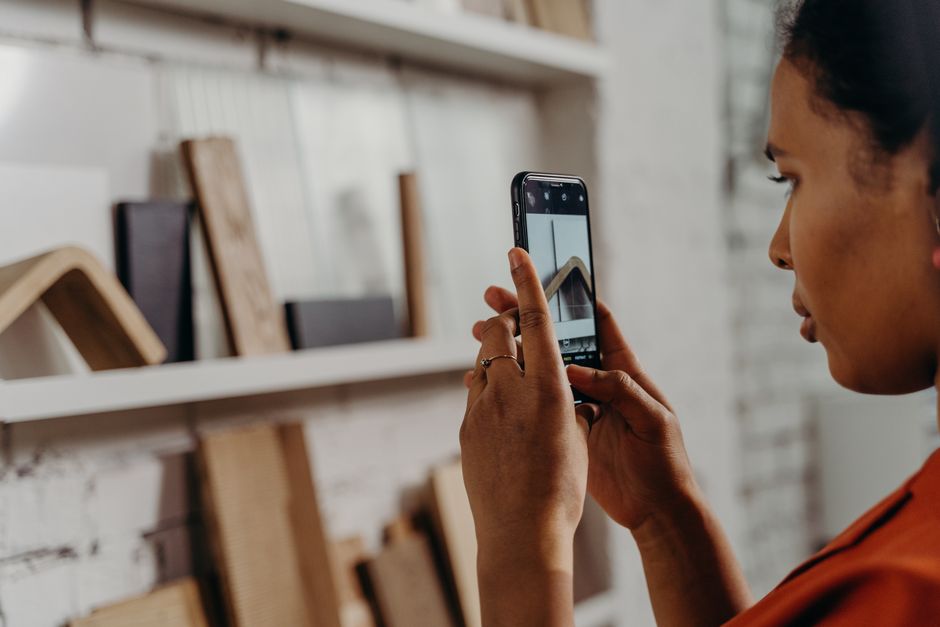
To consistently capture professional quality photos using your smartphone camera, you must understand how to stabilize your device. Even the slightest hand movement, especially in lower light, can lead to blurry, unusable images. Using a tripod is the easiest way to ensure tack-sharp results, particularly for long-exposure shots or steady video work.
If you do not have a tripod handy, you can still improve stability by holding your phone with both hands and tucking your elbows tightly against your body. This creates a much more stable platform than holding the phone out in front of you. Alternatively, lean against a wall, a tree, or any solid object to give yourself extra support when you need to keep the camera perfectly still.
Composition Techniques That Change Everything
The way you arrange elements within your frame defines how a viewer perceives your image. One of the most effective tools for creating balance is the rule of thirds. Most smartphones offer a grid overlay feature in their camera settings, which divides your screen into nine equal rectangles; placing your subject along these lines or at their intersections creates a more visually engaging photo than placing it directly in the center.
Beyond the grid, you can use several other techniques to make your shots more dynamic:
- Leading Lines: Use roads, fences, or natural lines to draw the viewer's eye into the image toward your main subject.
- Framing: Utilize doorways, windows, or branches to create a natural frame around your subject for added depth.
- Perspective: Do not just shoot from eye level; try getting very low to the ground or finding a high vantage point to offer a unique viewpoint.

Editing Your Way to Pro Results
Post-processing is not just a luxury; it is a standard part of modern digital photography. Editing software allows you to rescue shots that were nearly perfect but needed a slight adjustment in exposure, contrast, or color. There are powerful apps available that help you polish your images until they have that professional look.
When you edit, aim for subtlety rather than over-processing. Increasing contrast often adds punch, while adjusting the white balance can fix shots that look too yellow or too blue. Use editing apps to refine the mood of the photo, but be careful not to push the saturation or clarity sliders too far, as this can make your image look fake or pixelated.
Small Accessories That Make a Big Difference
While your phone is powerful on its own, a few small, inexpensive accessories can unlock new creative possibilities. A simple clip-on lens kit, for example, can give you macro capabilities for extreme close-ups or wider angles for sweeping landscapes. These attachments are often surprisingly effective for the price.
Another essential investment is a small, portable ring light or a clip-on LED light for your phone. These are perfect for low-light situations, especially if you are shooting social media content or portraits where you need consistent, flattering light on your subject's face. Small tools like these can drastically increase the versatility of your kit without adding bulk.
The Importance of a Clean Lens
It sounds incredibly simple, but it is the most overlooked step in smartphone photography. Because we carry our phones everywhere—in our pockets, bags, and in our hands—the camera lens is constantly getting covered in oils, dust, and fingerprints. Smudges on your lens scatter light, leading to hazy, low-contrast, and dreamy-looking shots that lack sharpness.
Make it a habit to wipe your camera lens with a clean microfiber cloth before you take any important photo. You will be genuinely surprised by the immediate difference in image clarity, contrast, and color depth. This single, two-second action is often more effective than any software setting or expensive editing app you might use.