How Android Widgets Improve Productivity
In our fast-paced digital world, it’s all too easy to get lost in an endless sea of notifications, app icons, and digital distractions. Our smartphones, while incredibly powerful, can sometimes feel like a time sink rather than a productivity booster. But what if there was a simple way to cut through the noise and get more done directly from your home screen? This is precisely how Android widgets improve productivity, offering a dynamic and customizable solution to bring your most important information and actions right to your fingertips.
Android widgets are essentially miniature app interfaces that live on your home screen or lock screen. They provide glanceable information and quick access to app functions without needing to open the full application itself. Think of them as tiny dashboards for your favorite apps, tailored to show you exactly what you need, when you need it.
What Exactly Are Android Widgets and Why Do They Matter?
At their core, Android widgets are designed for convenience and efficiency. Instead of tapping through multiple screens to find your calendar, check the weather, or jot down a quick note, a widget presents this data immediately. This saves precious seconds throughout your day, which quickly adds up to significant time savings.
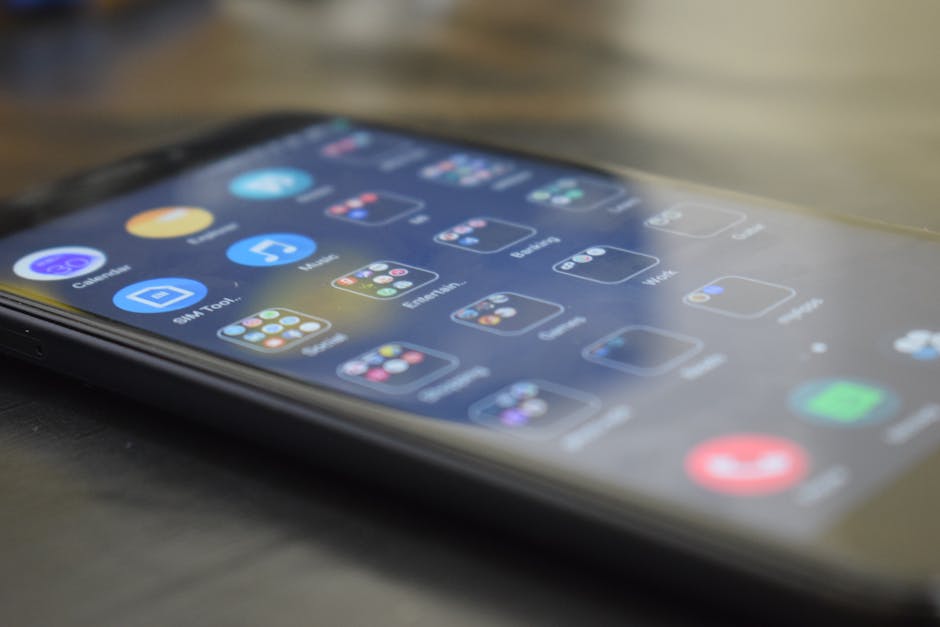
They transform your static home screen into a dynamic information hub. You’re no longer just looking at a grid of app icons; you’re interacting with live, updating information. This direct access drastically reduces the mental friction associated with context switching between apps, keeping you focused on the task at hand.
Instant Information at a Glance: The Core Productivity Boost
One of the biggest advantages of widgets is their ability to provide instant information. Imagine seeing your next meeting, the current weather conditions, or your to-do list without even unlocking your phone or opening a single application. This immediate feedback helps you stay informed and prepared without unnecessary steps.
This constant, yet unobtrusive, availability of information means you can make quicker decisions and stay organized. Whether it's a financial widget showing your latest stock prices or a sports widget keeping you updated on live scores, widgets eliminate the need for constant app juggling, making your digital experience smoother and more productive.
Streamlining Your Daily Tasks with Android Widgets
Beyond just showing information, many widgets allow for direct interaction, further streamlining your workflow. You can mark a task as complete, pause a song, or even adjust smart home settings directly from your home screen. This level of quick control is invaluable for busy individuals looking to maximize their efficiency.
Consider the cumulative effect of these small time-savers. Each time you avoid opening an app, waiting for it to load, navigating to the correct section, and then performing an action, you save a few seconds. Over a day, these seconds turn into minutes, and over a week, they can amount to significant reclaimed time, truly showing how Android widgets improve productivity in a tangible way.

Customization is Key to Productive Home Screens
The beauty of Android widgets lies in their unparalleled customizability. You're not stuck with a one-size-fits-all solution; you can choose which widgets to display, where to place them, and often, how they look. This allows you to tailor your home screen to perfectly match your personal workflow and priorities.
By carefully selecting and arranging widgets, you can create a highly personalized productivity dashboard. Do you prioritize communication? Place messaging and email widgets prominently. Are you a fitness enthusiast? Your step tracker and workout log can take center stage. This adaptability ensures your phone works for you, not the other way around.
Top Widget Categories for Boosting Your Efficiency
Android's vast ecosystem means there's a widget for almost every need, significantly boosting your daily efficiency. Here are some popular categories that can transform your home screen:
- Calendar and Agenda: See your upcoming events and appointments at a glance, helping you stay on schedule without opening your full calendar app.
- Task and To-Do Lists: Quickly view, add, or check off tasks directly from your home screen, keeping your priorities front and center.
- Weather: Get immediate weather updates for your location, helping you plan your day and wardrobe without fuss.
- Notes and Reminders: Jot down quick ideas or view important reminders instantly, ensuring you never forget a brilliant thought or crucial detail.
- Music Players: Control playback, skip tracks, and adjust volume without needing to open the music app, perfect for on-the-go listening.
- News and Social Feeds: Stay updated with headlines or social media posts without diving deep into the applications, providing controlled information consumption.
Practical Tips for Maximizing Widget Productivity
To truly harness the power of Android widgets, a little thoughtful planning goes a long way. Don't just clutter your home screen; curate it. Think about the information you access most frequently and the actions you perform most often.
Start by identifying your daily essentials. Which apps do you open dozens of times a day? Can a widget reduce those taps? Experiment with different sizes and placements to find what feels most intuitive and efficient for you. Remember, the goal is to simplify, not complicate. A well-organized home screen with relevant widgets will feel empowering, not overwhelming.
Ultimately, widgets offer a compelling way to reclaim control over your digital life and enhance your focus. By providing quick access to essential information and functions, they minimize distractions and maximize efficiency. It's time to transform your smartphone from a potential time-waster into a personalized productivity powerhouse, all thanks to the intelligent design of Android widgets.