How Smartphone Software Manages Background Processes
Unpacking How Smartphone Software Manages Background Processes
Ever wondered how your phone keeps notifications popping, music playing, and messages syncing even when you're not actively using an app? It's all thanks to how your smartphone software manages background processes. These invisible operations are the unsung heroes of modern mobile multitasking, diligently working behind the scenes.
From checking for new emails to updating weather widgets, these processes ensure your digital world stays current and responsive. But there's a delicate balance involved, as keeping too many things running can drain your battery faster than you can say "low power mode."
We're diving deep into the smart strategies your phone employs to keep everything humming along smoothly without turning your device into a hot, dead brick or a sluggish mess. Understanding this helps you get the most out of your device.
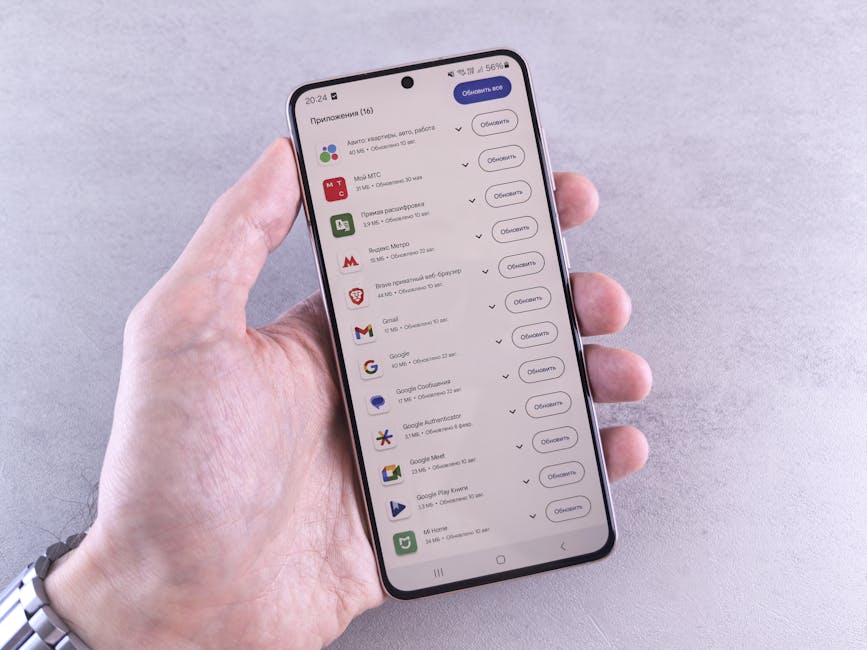
What Exactly Are Background Processes?
Think of background processes as all the tasks your phone is handling when you're not directly interacting with a specific app. When you switch away from an app, it doesn't always completely shut down; instead, it often transitions into a background state.
This allows for quick resumption, but also lets apps perform necessary functions like fetching data, syncing information, or sending delayed notifications. These operations are vital for the seamless, connected experience we've come to expect from our devices.
Without them, every time you opened an app, it would have to start from scratch, leading to frustrating delays and a much less intelligent, responsive smartphone.
The Delicate Balancing Act: Performance vs. Battery Life
At the heart of how smartphone software manages background processes is a constant tug-of-war between two crucial factors: snappy performance and enduring battery life. Allowing apps to run freely in the background could offer maximum responsiveness but would quickly deplete your battery.
Conversely, aggressively shutting down every background task might save power but would make your phone feel sluggish and less capable. Imagine waiting for every app to reload its content every single time you opened it – that's definitely not the smooth experience we desire!
Operating systems are engineered to find a sweet spot, prioritizing essential tasks while intelligently pausing or suspending others based on usage patterns, app importance, and current device resources. It's a continuous optimization challenge.
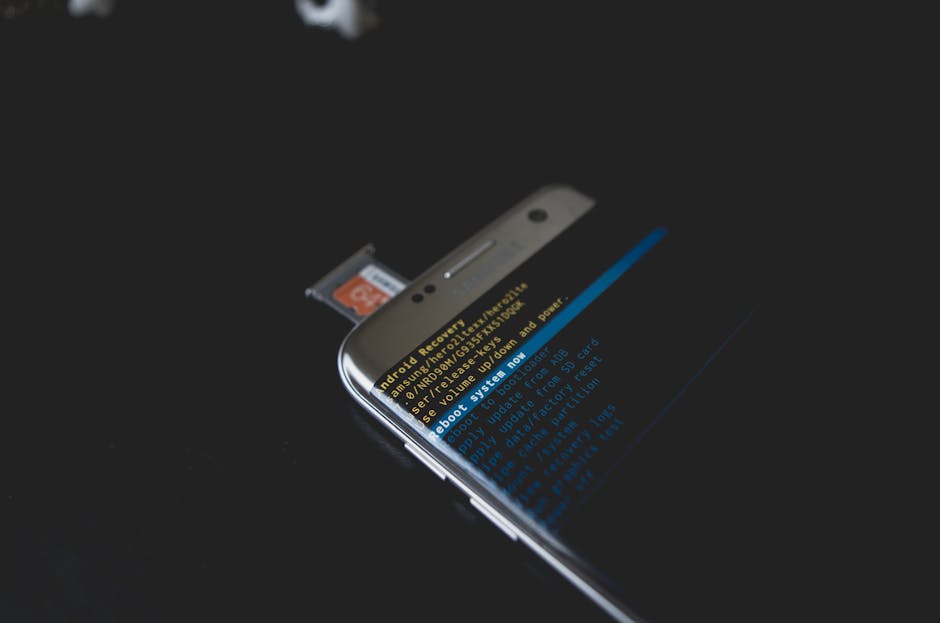
Android's Approach to Background Tasks
Android, being a more open ecosystem, traditionally offered developers greater flexibility with background operations. While this enabled powerful features, it sometimes led to significant battery drain from poorly optimized apps.
However, recent versions of Android have introduced stricter controls to enhance power efficiency. Features like "Doze mode" and "App Standby" intelligently restrict network access and CPU-intensive tasks for apps that haven't been used recently, especially when the device is idle.
Users also have granular control, allowing them to manually restrict background data, force-stop apps, or even optimize battery usage on an app-by-app basis. This gives users powerful tools to influence their device's behavior and manage resource consumption.
iOS: A Tighter Ship for Background Management
Apple's iOS takes a more restrictive and controlled approach to background processes. While it appears as if apps are always running, iOS often "freezes" apps in memory, essentially pausing their execution without fully quitting them. This makes them instantly available when you switch back.
For actual background activity, iOS relies on specific "background modes" that developers must explicitly declare and justify. These include things like background audio playback, location tracking, Voice over IP (VoIP) calls, and fetching small data updates at scheduled intervals (Background App Refresh).
This tight control ensures excellent battery life and predictable performance across all iOS devices, as apps can only do what the system explicitly allows them to do in the background. Users have less granular control than Android but benefit significantly from the system's inherent efficiency and reliability.
The OS is Your Boss: Smart Power Management Features
Both Android and iOS have evolved sophisticated power management systems that actively monitor and adapt to your usage patterns. These systems often use machine learning to understand your habits and predict which apps you're likely to use next, or when you might need a feature.
This predictive intelligence helps the OS decide which background tasks are truly essential and which can be deferred or completely shut down to conserve power. They also consider factors like device temperature, current battery level, and whether the phone is connected to Wi-Fi or cellular data.
Key features often include:
- Adaptive Battery/Optimized Battery Charging: Learns your charging habits to reduce battery aging and optimize charging cycles.
- App Standby/App Napping: Puts unused or infrequently accessed apps into a low-power state, limiting their background activities.
- Doze Mode: When the device is stationary and not in use for a period, it enters a deep sleep state, significantly delaying non-critical background activity.
- Background App Refresh (iOS): Allows apps to periodically check for new content, but can be controlled by the user on a per-app basis.
These features are continuously refined with every operating system update, striving for that perfect blend of functionality and endurance in our daily smartphone use.
Why You Should Care About Background Processes
Understanding how smartphone software manages background processes isn't just for tech enthusiasts; it impacts your daily phone experience in very tangible ways. If your battery is draining too fast, or your phone feels sluggish and overheats, excessive background activity could be the primary culprit.
Unchecked background tasks can consume significant processing power, valuable memory, and network data, leading to a poorer overall user experience. It can also unexpectedly rack up data charges if apps are constantly syncing large amounts of information without your direct knowledge or control.
Being aware of these mechanisms empowers you to troubleshoot issues, optimize your device's performance, and ultimately get the most out of your smartphone's battery life, ensuring it lasts through your busiest days.
Your Role in the Game: Taking Control
While your smartphone's software does a lot of the heavy lifting in managing background tasks, you're not entirely powerless. You can actively influence how background processes behave and fine-tune your device for better performance and extended battery life.
Here are a few practical tips to help you take charge:
- Check App Battery Usage: Regularly review your battery usage settings to identify apps consuming excessive background power, then adjust their permissions or uninstall them if unnecessary.
- Restrict Background App Refresh (iOS) / Background Data (Android): Turn off this feature for apps you don't need instant updates from, such as games or social media apps you only check manually.
- Force Stop Troublesome Apps: If an app is misbehaving or stuck, force-stopping it can often reset its background activity and resolve the issue without restarting your phone.
- Keep Apps and OS Updated: Developers often release updates that include crucial optimizations for background processes, and OS updates bring improved power management features.
- Limit Widgets and Live Wallpapers: While aesthetically pleasing, these can be constantly updating or animating in the background, consuming extra resources.
By taking these simple steps, you can work alongside your phone's intelligent software to ensure a smoother, more efficient, and longer-lasting mobile experience every single day.