Why Aperture Is The Secret To Great Smartphone Portrait Photos
Unlock the Power of Smartphone Portrait Photography
You have likely looked at professional portrait photos and wondered how photographers manage to make the subject pop against a beautifully blurred background. The secret behind this professional look is aperture, a fundamental element of photography that determines how much light enters the lens and, just as importantly, how much of your scene remains in focus. While smartphone manufacturers often focus on megapixel counts, understanding how to manipulate your camera's aperture settings is the real key to elevating your portraits from snapshots to artistic images.
Whether you are using a top-tier smartphone or a budget model, knowing how this setting works can transform your photography results immediately. It is not just about the technical specs; it is about learning how to use light and depth to tell a story through your images. Mastering this aspect of your device will give you the confidence to snap portraits that look like they belong in a professional portfolio.
Understanding the Basics of Camera Mechanics
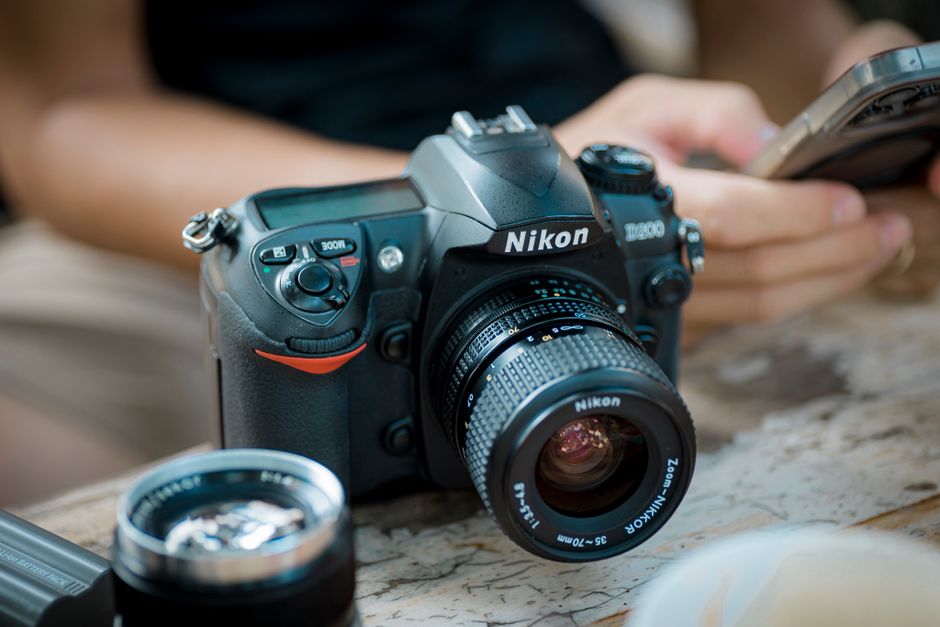
At its core, aperture is simply the opening within your camera lens. You can think of it like the pupil of your eye; when it is wide open, more light gets in, and when it is restricted, less light passes through to the sensor. This opening is measured in f-stops, such as f/1.8 or f/2.8, with smaller numbers indicating a wider opening and more light.
Beyond light intake, the size of this opening dictates your depth of field. A wider opening creates a shallow depth of field, which means only a small sliver of your scene is perfectly sharp. This is exactly what you want for portraiture, as it helps isolate your subject from a distracting or cluttered background.
The Secret Role of Aperture in Portrait Depth
The primary reason aperture is considered the secret weapon for great portraits is its ability to create separation. By using a wide setting, you force the camera to focus sharply on your subject's eyes while the surrounding environment gently blurs. This creates a natural framing effect that draws the viewer’s attention directly to the person in the photograph.
When you use a narrower opening, more of the background remains sharp and detailed. This is often undesirable for portraits because it can make the image look cluttered and less impactful. By understanding how to control this depth, you decide exactly what your viewers focus on, allowing you to create portraits that feel intentional and professional.
Physical Limitations and Software Simulation
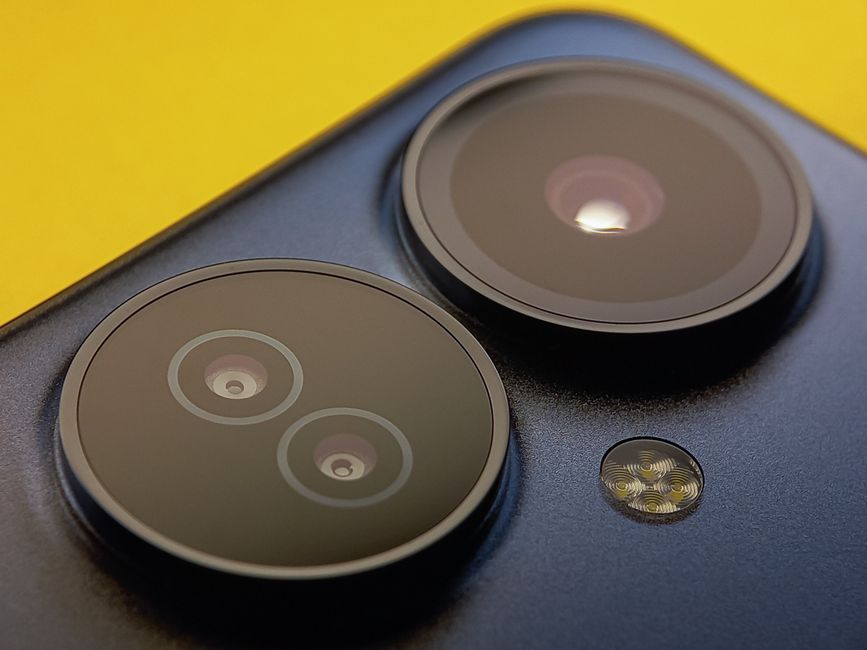
It is important to understand that most smartphones have a fixed physical opening. This means the hardware cannot physically change its size to alter the depth of field in the same way a DSLR lens can. To get around this, modern smartphone cameras rely heavily on computational photography and software algorithms to simulate the look of a wide setting.
When you switch your phone to Portrait Mode, it uses advanced depth mapping to identify your subject and the background separately. The software then applies a digital blur to the background to mimic the effect of a large physical lens opening. While this is not the same as optical physics, the results have become incredibly impressive and are often indistinguishable from real optical depth to the casual observer.
Creating Stunning Bokeh Effects
That creamy, soft background blur that photographers crave is called bokeh. When the aperture is wide, light sources in the background—like fairy lights, street lamps, or sunlight filtering through trees—turn into soft, glowing orbs rather than sharp points. This effect adds a dreamy, aesthetic quality that instantly makes a simple portrait feel magical.
You can enhance this effect by ensuring there is distance between your subject and the background. The further away the background is, the more dramatic the bokeh will appear when using a shallow depth of field. This technique is highly effective for night photography, where city lights can turn into beautiful, colorful circles behind your subject.
Pro Tips for Your Next Photoshoot
To truly master portrait photography on your phone, you should not just rely on auto mode. Many modern smartphones offer manual control or "simulated aperture" sliders that allow you to adjust the intensity of the blur even after the photo has been taken. Here are a few ways to get the most out of your camera settings:
- Position your subject far from the background to maximize the natural separation and enhance the blur.
- Use the portrait mode slider to adjust the f-stop number to your liking, aiming for a balance that still looks realistic.
- Tap on your subject's face before taking the photo to ensure the camera locks focus on the correct point.
- Avoid overly bright backgrounds if you are not using portrait mode, as this can confuse the software trying to simulate the depth effect.
Versatility Beyond Portrait Shots
While we have focused on portraits, understanding how to manage this camera setting is useful for other types of photography as well. If you are taking photos of landscapes, you will want a narrower setting to ensure everything from the foreground rocks to the distant mountains is in sharp focus. Conversely, for macro shots of flowers or details, a wider setting helps isolate that tiny detail from the busy surroundings.
Learning how to manipulate your camera’s depth of field provides you with more creative choices in every scenario. You will stop just taking pictures and start composing images with a clear vision of what should be sharp and what should fall softly out of focus. This transition from automated to intentional shooting is exactly what separates great photographers from the rest.