How Mobile Operating Systems Deliver System Updates
Why Your Phone Needs Regular Tune-Ups
Think of software updates as regular, essential maintenance for your digital companion. They are meticulously designed to enhance performance, introduce exciting new functionalities like advanced camera modes or improved battery management, and, most critically, patch security vulnerabilities that could otherwise leave your personal data exposed to cyber threats.
Without these timely updates, your device can quickly become slower, less compatible with the latest apps, and an easier target for malicious attacks. Keeping your mobile operating system current is a proactive and necessary step towards ensuring a safer, more efficient, and truly enjoyable digital life, maximizing your phone's potential.
The Apple Way: Direct and Streamlined iOS Updates
Apple adopts a uniquely direct and highly integrated approach when it comes to how their mobile operating systems deliver system updates for iOS devices. Since Apple meticulously designs both the hardware (iPhone) and the software (iOS), they maintain comprehensive control over the entire update lifecycle, from development to deployment.
This tight integration means that when a new version of iOS, iPadOS, or a critical security patch is finalized, it's typically rolled out globally to all compatible iPhones and iPads simultaneously. This streamlined model ensures a remarkably consistent user experience across their ecosystem and enables rapid deployment of crucial fixes to millions of devices worldwide.
Users receive a notification directly from Apple, download the update securely from Apple's servers, and install it with relative ease, often overnight. This unified ecosystem significantly reduces software fragmentation and facilitates incredibly high adoption rates for new software versions, ensuring a broad user base benefits from the latest innovations and protections.
Android's Journey: A Multi-Stage Delivery Process
In contrast, the update path for Android devices is considerably more intricate and collaborative, a direct consequence of its open-source nature and the vast, diverse ecosystem of manufacturers and mobile carriers. Google develops and releases the core Android operating system, but they don't directly control the update process for every Android phone on the market.
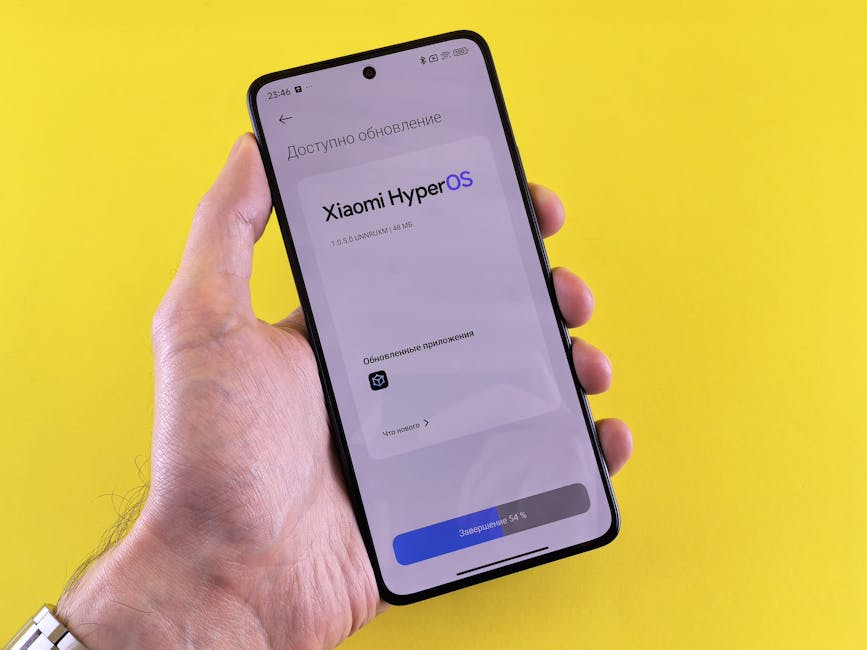
First, Google releases a new version of Android to the public. Then, individual phone manufacturers such as Samsung, OnePlus, Xiaomi, and Google's own Pixel division take this core software and meticulously adapt it for their specific hardware, adding their unique user interfaces (like Samsung's One UI), pre-installed applications (often called bloatware), and proprietary features.
After a manufacturer completes their customizations and rigorous testing, the modified update often needs to be approved and certified by mobile carriers in various regions. This carrier certification process ensures full compatibility with their networks and services, frequently adding another layer of complexity and potential delay before the system updates finally reach your device.
Over-the-Air (OTA) Updates: The Invisible Delivery System
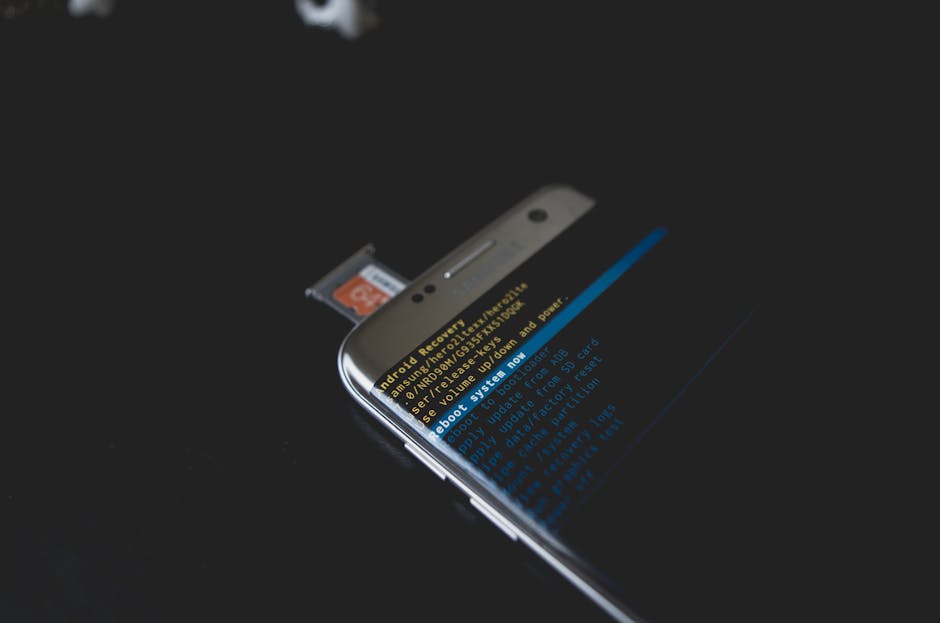
Regardless of whether you own an iPhone or an Android device, the vast majority of software updates are delivered "over-the-air," commonly referred to as OTA updates. This efficient method means the update files are transmitted wirelessly directly to your device, typically requiring a stable Wi-Fi connection to download larger files without consuming your mobile data allowance.
Once the update package is downloaded, your phone intelligently prepares the new software in the background, allowing you to continue using your device. You'll then usually receive a prompt to restart your device at a convenient time for the installation to fully complete, a process that can take anywhere from a few minutes to half an hour, depending on the update's size and your device's speed.
Modern OTA systems are often "delta" updates, meaning they only download the changes between your current software version and the new one, rather than a full operating system image. This makes downloads smaller and faster, streamlining the entire update experience for users.
Beyond Major Versions: Security Patches and Feature Drops
While major annual operating system upgrades, bringing flashy new interfaces and capabilities, certainly grab headlines, smaller, more frequent updates are arguably just as vital, if not more so. These often arrive in the form of monthly or quarterly security patches, which are absolutely crucial for protecting your device from newly discovered vulnerabilities and keeping your personal data secure from evolving cyber threats.
In recent years, some manufacturers, notably Google with its Pixel line, have also introduced "feature drops." These deliver exciting new functionalities, performance improvements, and interface refinements outside of the traditional annual OS release cycle. This allows for more agile and continuous improvement of the mobile experience, bringing fresh capabilities to users more frequently.
Why Your Phone's Update Schedule Differs
The speed, consistency, and longevity of your phone's updates are heavily influenced by its manufacturer, specific model, and even its region. Premium devices, especially those from manufacturers with a strong commitment to robust software support (like Google's Pixel phones or Apple's iPhones), generally receive updates much more quickly and for a longer duration.
Manufacturers who offer a "near-stock" Android experience, with minimal customisations, can also push updates faster, as they have less software to adapt. Unfortunately, older devices, or those from brands with less consistent software support, might eventually stop receiving major OS upgrades, but many will still receive critical security patches for several years, providing essential protection.
Taking Control of Your Mobile Updates
While the core update delivery process is largely automated, you can still play an active and informed role in managing your device's software. Regularly checking for updates in your phone's settings ensures you don't miss out on important security fixes, performance enhancements, or exciting new features.
For convenience and peace of mind, consider enabling automatic updates, especially for security patches, but always ensure you have a stable Wi-Fi connection and sufficient battery life before a major installation begins. Here are a few quick tips:
- Check Manually: Go to your phone's "Settings" menu, then "System" or "About Phone," and look for "Software Update" or "System Update."
- Use Wi-Fi: Always download large updates over Wi-Fi to save cellular data and ensure a stable connection.
- Charge Up: Ensure your battery is at least 50% charged, or preferably plugged in, before starting an update.
- Back Up: Before a major OS upgrade, it's always a smart precaution to back up your device.
By staying vigilant, you ensure your device remains a powerful, secure, and up-to-date tool in your daily life.