How Smartphone Software Manages Storage
Tired of "Storage Full" Warnings? How Smartphone Software Manages Storage
Ever found yourself frantically deleting photos or apps just to download a new one, or worse, missing out on capturing a precious moment because your phone ran out of space? You’re not alone. Our smartphones are powerful pocket computers, but their finite storage capacity can be a major headache. The good news is that understanding how smartphone software manages storage can make a huge difference in keeping those annoying warnings at bay. It's not just about what you store, but how your phone's operating system (OS) handles it all.
From the moment you power on your device, its software is working tirelessly behind the scenes to organize, allocate, and sometimes even clean up your digital life. This intricate dance between hardware and software dictates how efficiently your precious gigabytes are used. Let's pull back the curtain and see what's really happening.
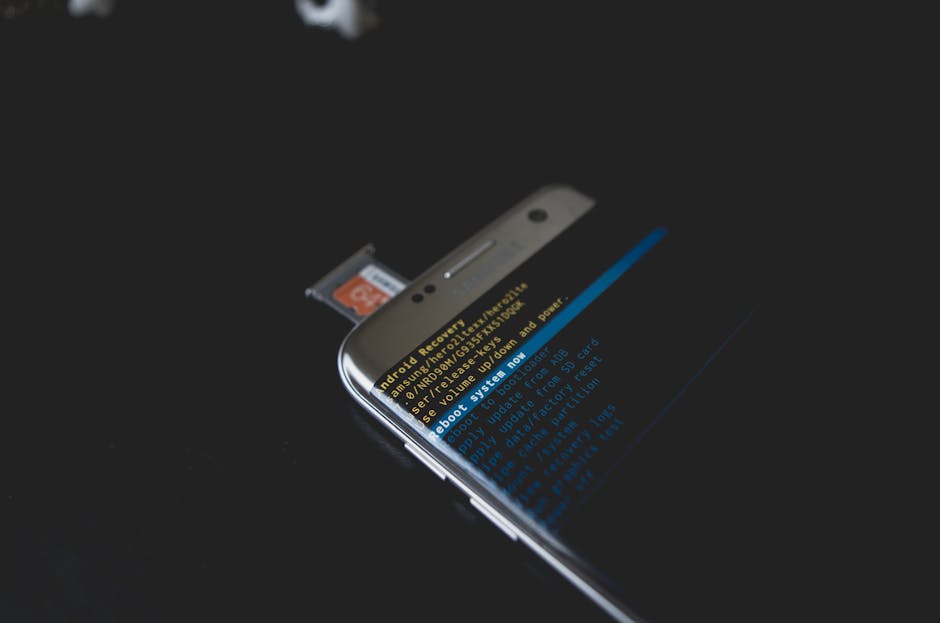
The Invisible Foundation: Your Phone's File System
At the very core of storage management lies the file system. Think of it as the librarian of your phone's digital world, meticulously organizing every app, photo, video, and document. This system determines how data is stored, retrieved, and deleted from the phone's internal memory chips.
Whether it's Android's Ext4/F2FS or iOS's APFS, these file systems are optimized for speed and efficiency, ensuring that your apps launch quickly and your data is accessible when you need it. They create directories, manage permissions, and keep track of where every single bit of data resides, making it possible for your software to navigate your storage seamlessly.
Apps, Data, and the Ever-Growing Cache
Every app you install comes with its own set of data, and as you use them, they accumulate even more. This includes your chat histories, game saves, downloaded media, and personal settings. A significant portion of this accumulation is often temporary files known as "cache."
Cache data is designed to speed up app performance by storing frequently accessed information locally. For example, a social media app might cache images from your feed so they load instantly next time you scroll. While helpful, cache can quickly balloon in size, quietly consuming significant chunks of your storage if not managed.

Operating System's Role in Smart Storage Management
Modern smartphone operating systems like Android and iOS are equipped with sophisticated features to help you keep storage in check. They don't just passively store data; they actively participate in its management. These systems employ various techniques to optimize space, often without you even realizing it.
Built-in intelligence monitors your usage patterns, identifying files that are rarely accessed or duplicated. They can suggest deletions, offload data to the cloud, or compress files to save space. This proactive approach by your phone's OS is crucial for maintaining performance and preventing your storage from becoming overwhelmed.
Smart Tools for Smart Storage: Built-in Features and Cloud Integration
Both Android and iOS offer dedicated sections in their settings menus to give you a clear overview of your storage usage. These tools break down what's consuming space, often categorizing by app, media type, or system files. They're your first stop for identifying storage hogs.
Beyond simple reporting, these systems integrate deeply with cloud storage services. Features like "Smart Storage" on Android or "Optimize iPhone Storage" on iOS can automatically move older photos and videos to the cloud, keeping only smaller, optimized versions on your device. This seamless integration ensures your memories are safe and accessible, without monopolizing your phone's internal memory.
- Automatic cleanup routines: Many phones can be set to periodically delete old cache files or unused downloads.
- App offloading: iOS allows you to remove an app but keep its data, making it easy to reinstall later without losing progress.
- Cloud syncing options: Services like Google Photos or iCloud seamlessly back up your media, allowing you to delete local copies.
- Duplicate file detection: Some software can identify and help you remove redundant photos or documents.
The Hidden Culprits: Bloatware and System Files
While user data and apps are obvious storage consumers, a significant portion of your phone's capacity is taken up by elements you can't easily control. "System files" include the operating system itself, essential drivers, and pre-installed core applications necessary for your phone to function. These are non-negotiable space consumers.
Then there's "bloatware" – pre-installed apps from your phone manufacturer or carrier that you often can't uninstall. While some might be useful, many are redundant or unwanted, quietly taking up space and sometimes even running in the background. While difficult to remove entirely, some can be disabled to minimize their impact.
Tips for Taking Control: Your Role in Storage Optimization
Even with smart software, your habits play a huge role in effective phone storage management. Regularly checking your storage settings is a great starting point. Don't let unwanted files and apps accumulate into a massive problem.
Be proactive in clearing app caches, reviewing your downloads folder, and deleting old chat attachments. Consider streaming music and video instead of downloading large files, and make use of cloud services for backups. A little regular maintenance goes a long way in preventing those dreaded "storage full" notifications.
The Future of Phone Storage: Smarter Software, Less Worry
As technology advances, so too will how smartphone software manages storage. We can expect even more intelligent algorithms that predict what you'll need, offload what you don't, and compress data more efficiently without compromising quality. Future phones might rely even more heavily on hybrid storage solutions, blending local and cloud storage in ways that are virtually invisible to the user.
The goal is a seamless experience where you rarely have to think about storage limits. Until then, understanding the basics of how your phone handles its memory empowers you to be a better digital citizen, ensuring your device always has room for what matters most.