How Smartphones Protect Stored Information
Your Digital Fortress: How Smartphones Protect Stored Information
Our smartphones have become indispensable companions, holding a wealth of our most personal and sensitive data. From cherished photos and private messages to banking apps and work documents, our digital lives are increasingly intertwined with these pocket-sized computers. Given this vast trove of information, it’s only natural to wonder: how smartphones protect stored information? The truth is, a sophisticated layered approach, combining hardware, software, and intelligent design, works tirelessly behind the scenes to keep your data safe.Beyond the Screen: Hardware-Level Guardians
The first line of defense for your smartphone's data often lies within its physical components. Modern devices come equipped with specialized hardware modules designed to isolate and protect sensitive data. Think of a "Secure Enclave" (Apple) or a "Trusted Execution Environment" (TEE) found in Android devices. These are physically isolated components within the phone's main processor, operating independently from the primary operating system. This secure hardware stores critical security keys, biometric data (like your fingerprint or face scan), and cryptographic operations. Because this data never leaves the secure environment, even if the main operating system is compromised, these ultra-sensitive pieces of information remain safeguarded. It’s like having a vault within a vault, adding an extra, nearly impenetrable layer of protection.The Power of Encryption: Scrambling Your Secrets
One of the most fundamental ways smartphones protect stored information is through encryption. Most modern smartphones utilize either Full Disk Encryption (FDE) or File-Based Encryption (FBE), often enabled by default. This process scrambles all the data on your device, rendering it unreadable to anyone without the correct decryption key. When your phone is locked, the data is encrypted using a key derived from your passcode or biometrics. Without that key, even if someone physically gains access to your phone's storage, all they'll see is garbled, meaningless data. This means if your phone is lost or stolen, your personal information isn't easily accessible, providing a significant barrier against unauthorized access.Operating System's Defensive Walls
The operating system itself (iOS or Android) plays a crucial role in mobile device security. Both Apple and Google invest heavily in building robust security features directly into their platforms. Regular software updates are paramount, as they patch newly discovered vulnerabilities that could otherwise be exploited by malicious actors. Furthermore, app sandboxing is a core security principle. This means each application operates in its own isolated environment, preventing it from accessing or interfering with other apps' data or the core system files without explicit permission. Coupled with granular app permissions – where you explicitly grant or deny access to your camera, microphone, location, and contacts – the operating system acts as a vigilant gatekeeper for your personal data.Your Personal Key: Biometric Authentication
For many of us, unlocking our phones with a fingerprint or face scan has become second nature. Biometric authentication offers a convenient yet highly secure method to access your device and the data within. Technologies like Touch ID, Face ID, and various Android fingerprint scanners or facial recognition systems use sophisticated algorithms to verify your unique biological traits. These biometric templates are securely stored in the hardware-based secure enclave, never leaving your device. This ensures that even if your phone is compromised, your actual fingerprint image or face scan data isn't exposed. Instead, a mathematical representation is compared against a new scan to grant access, providing a swift and powerful way how smartphones protect stored information by verifying your identity.Smart Moves: User-Enabled Security Features
While much of your phone's data protection happens automatically, you also play a vital role. Smartphones offer numerous user-enabled security features that significantly bolster your digital safety. These tools empower you to take an active role in safeguarding your information. * Strong Passcodes and Biometrics: Always use a complex alphanumeric passcode, not just a simple PIN. Combine this with fingerprint or face authentication for quick, secure access. * Two-Factor Authentication (2FA): Enable 2FA for all your online accounts, especially email and banking. This adds an extra layer of security, often requiring a code from your phone in addition to your password. * Remote Erase and Locate: Features like "Find My iPhone" or "Find My Device" allow you to remotely locate, lock, or even wipe your phone's data if it's lost or stolen, preventing your personal information from falling into the wrong hands. * Regular Software Updates: Always install operating system and app updates promptly. These updates often contain critical security patches that close vulnerabilities. * Review App Permissions: Periodically check which permissions your apps have and revoke any that seem excessive or unnecessary.Navigating the Digital Minefield: Understanding Threats
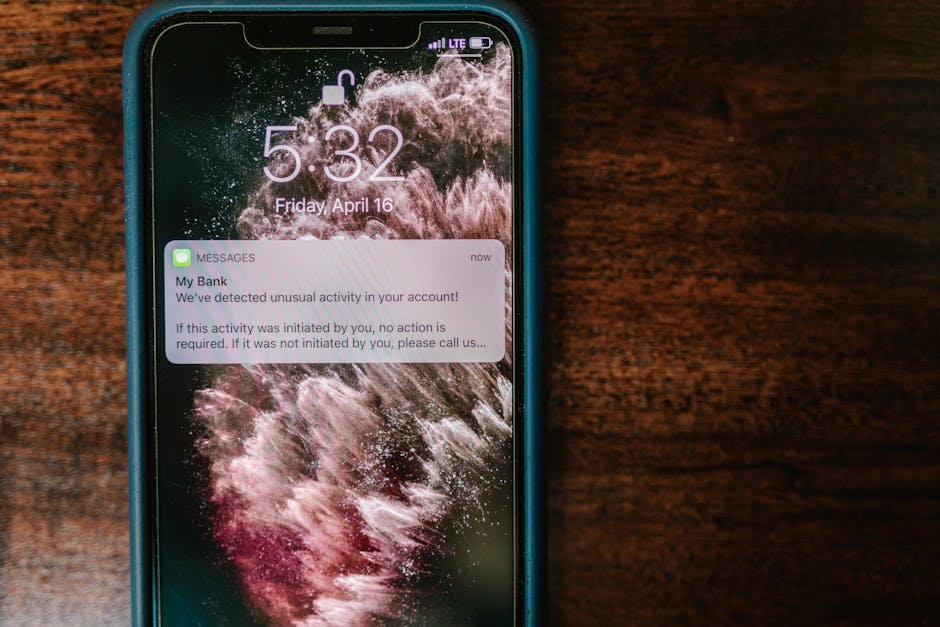
Understanding how smartphones protect stored information also requires an awareness of the threats they face. Our devices are constantly targeted by various digital dangers, including malware, phishing attacks, and physical theft. Malware, such as viruses or spyware, attempts to infiltrate your phone to steal data or disrupt its operation. Phishing attacks try to trick you into revealing sensitive information through deceptive messages or websites. Physical theft remains a significant concern, as an attacker with your device might try to bypass security measures. The layered defenses built into smartphones and the proactive measures you take are all designed to counteract these persistent threats, ensuring that even under pressure, your digital secrets remain locked down.Empowering Yourself: Your Role in Smartphone Security
Ultimately, the incredible efforts made by manufacturers to secure your device can only go so far without your active participation. By understanding the mechanisms your phone uses and by adopting smart security habits, you create a powerful defense for your personal data. Always be wary of suspicious links or unsolicited messages, download apps only from official app stores, and regularly back up your important data. In an increasingly connected world, knowing how smartphones protect stored information isn't just about technical understanding; it's about empowering yourself to be a responsible and secure digital citizen. Your smartphone is a marvel of engineering, not just in its capabilities but also in its steadfast commitment to keeping your private life, well, private.