How To Shoot Slow Motion Video With Your Smartphone Camera
Understanding the Magic of High Frame Rates
Ever wondered how filmmakers capture those stunning, dreamlike sequences where time seems to slow down? The secret lies in capturing more frames per second than the standard video format. Learning how to shoot slow motion video with your smartphone camera opens up a world of creative possibilities right in your pocket.
Modern smartphones are essentially powerful, compact cinema cameras that handle high frame rates with ease. By understanding the relationship between shutter speed, frame rate, and light, you can transform ordinary movements into cinematic art. Whether it is a splash of water or a quick dance move, slow motion makes the mundane look extraordinary.
Mastering how to shoot slow motion video with your smartphone camera
To begin, open your camera app and look for the slow motion mode, which is often labeled as Slo-Mo or High Frame Rate. Before you start recording, it is crucial to understand that your phone is capturing more data than usual to create this effect. This requires more processing power and, more importantly, a significant amount of light to maintain clarity.
Once you are in the correct mode, you might see options for different frame rates like 120fps or 240fps. The higher the frame rate, the slower the playback will be, but also the more light you will need for a clean shot. Experiment with these settings in different environments to see which speed best captures the essence of your subject.
The Essential Role of Lighting in Slow Motion
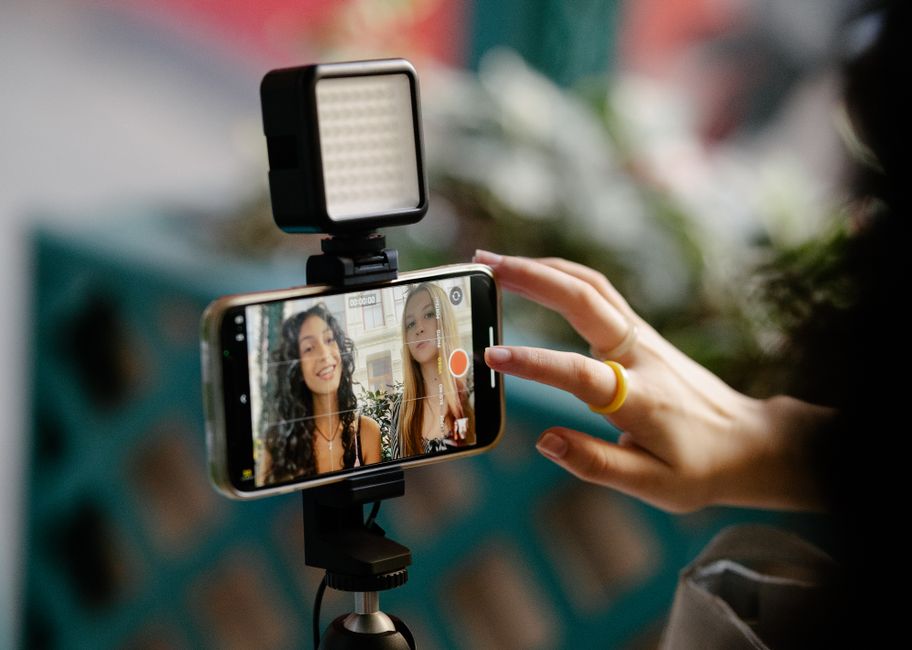
One common mistake when filming slow-motion footage is ignoring the light levels. Because your phone is taking so many frames in a single second, the shutter speed must be much faster to avoid blurring. This fast shutter speed lets in less light, which can lead to dark, grainy, or flickering videos if you are shooting indoors under artificial lighting.
To avoid these issues, always prioritize shooting slow motion in bright, natural light. Outdoor scenes during the day are ideal for crisp, clear footage without the noise associated with low-light sensors. If you must shoot indoors, ensure you have powerful, steady lighting sources rather than relying on standard room lights, which might cause visible flicker.
Stabilizing Your Footage for Professional Results
Slow motion tends to exaggerate any camera shake, making even subtle movements look distracting. Since you are essentially stretching out time, a shaky handheld shot becomes much more noticeable and less professional. Stability is therefore non-negotiable for achieving that smooth, polished look you see in high-end productions.
You do not necessarily need an expensive rig to keep your camera steady. Here are a few simple ways to improve your stability:
- Use a compact tripod to keep the camera completely still for static shots.
- Utilize a gimbal stabilizer if you need to move the camera while recording.
- Hold your phone with both hands, tucking your elbows firmly against your torso for better support.
- Lean against a wall or stable object to minimize body movement.

Focusing and Composition for Impact
Just because your subject is moving slowly does not mean you should ignore the fundamentals of composition. In fact, slow motion draws more attention to the details, making your framing and focus choices even more important. A blurry subject in slow motion is far more noticeable than in normal-speed footage.
Before you tap the record button, take a moment to lock your focus on the area where the action will occur. Most smartphone cameras allow you to tap on the screen to set focus and exposure manually. By doing this, you prevent the camera from hunting for focus mid-shot, ensuring the most important part of your action remains sharp throughout the clip.
Creative Techniques for Capturing Movement
The best slow-motion videos have a clear purpose, highlighting movement that is otherwise too fast for the naked eye to appreciate fully. Think about subjects that naturally thrive when time is slowed down. Water movement, athletic feats, or even simple expressions become much more captivating when you stretch them out.
Try to move with your subject rather than just staying static, or conversely, let the subject pass through a static frame. Experimenting with perspective, such as getting very low to the ground or shooting from an unusual angle, adds another layer of intrigue to your footage. The key is to look for patterns, textures, and fast actions that benefit from closer inspection.
Editing Your Clips for Maximum Impact
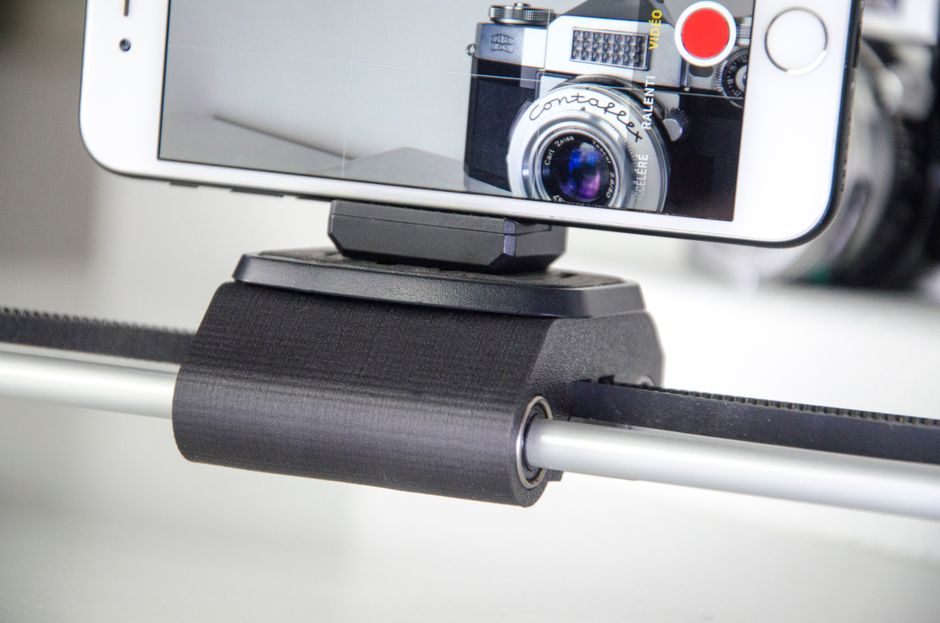
The final step in the process happens in the editing room, where you can refine the speed of your footage to match your creative vision. Most modern video editing apps allow you to adjust the speed of individual clips precisely. You do not always need to keep the entire clip in slow motion, as mixing speeds can create a dynamic narrative.
Try starting your clip at normal speed to set the scene, then ramp the speed down just as the action reaches its peak. This technique, often called a speed ramp, keeps the viewer engaged while emphasizing the most important moment. Finish your edit with subtle color grading to enhance the mood and give your video a polished, cinematic finish.