How Aiming Mechanics Work In Pc Shooter Games
The Foundation of Precision in PC Shooters
You have just locked eyes with an enemy, but your shot goes wide. It is incredibly frustrating, yet understanding aiming mechanics in PC shooter games is the secret to moving from a casual player to a high-ranking competitor. Every click of your mouse sends a complex signal through your system, and mastering how this translates into movement on your screen is crucial.
At its core, aiming is about translating your physical hand movements into digital output. When you move your mouse, the sensor captures that movement and sends data to the computer, which the game engine processes. The way this data translates into aim is governed by specific rules and mathematical models programmed into the game.
How Your Mouse Communicates with the Game
The bridge between your hand and the game is your mouse sensor and the software settings you have in place. Many players overlook the technical side, assuming that just pointing and clicking is enough. However, the raw input your computer receives is heavily filtered by your operating system and the individual game’s settings.
Understanding raw input is essential for consistent aim. This setting tells the game to bypass Windows mouse acceleration and use the mouse data directly. By disabling acceleration, you ensure that the distance your crosshair moves on screen is always proportional to the physical distance your mouse travels on the mousepad.

Sensitivity and DPI Explained
Sensitivity and Dots Per Inch (DPI) are often confused, but they play distinct roles in your performance. DPI refers to the physical resolution of your mouse sensor, defining how many steps it reports per inch of movement. Higher DPI can lead to a more responsive feel, but it also amplifies minor hand jitters.
Sensitivity is a multiplier applied by the game engine to that raw mouse data. To find your perfect setup, many players use eDPI, which is calculated by multiplying your mouse DPI by your in-game sensitivity. Finding a comfortable eDPI is the first step toward building the muscle memory required for consistent performance.
Understanding Input Latency
Input latency is the silent enemy of every competitive shooter player. It is the time elapsed between your physical movement and the action appearing on your screen. High latency makes aiming feel sluggish and unresponsive, almost as if you are moving through water.
Several factors contribute to this delay, from the polling rate of your mouse to your monitor's response time. Reducing this latency is vital for high-level play, as it allows your crosshair to react immediately to your brain's commands. Consider these factors to minimize delay:
- Ensure your mouse polling rate is set to at least 1000Hz.
- Use a monitor with a high refresh rate and a low response time.
- Disable unnecessary background applications to free up system resources.
- Use fullscreen mode rather than borderless windowed mode.
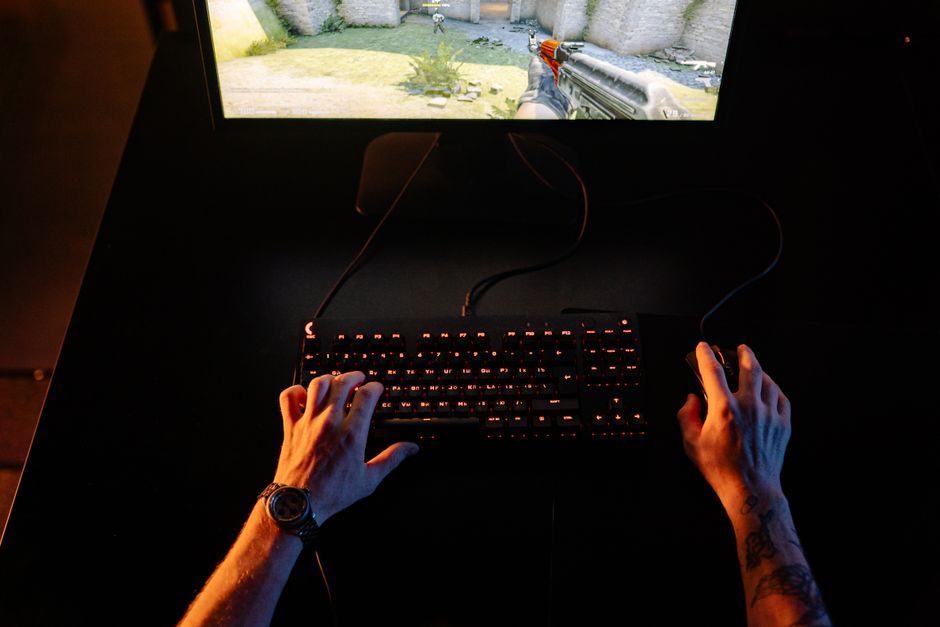
Tracking Versus Flicking
Modern shooters generally require two distinct types of aim: tracking and flicking. Tracking involves keeping your crosshair locked onto a moving target over an extended period. This is essential in games with longer time-to-kill, such as battle royales or arena shooters.
Flicking, on the other hand, is the ability to snap your crosshair from one point to another instantly. This is a primary skill in tactical shooters where milliseconds count and targets often appear unexpectedly. Mastering both techniques requires different types of practice and muscle memory development.
How Aiming Mechanics Impact Performance
Your understanding of aiming mechanics dictates how you approach different combat scenarios. If you understand how a game handles movement speed or weapon spread, you can adjust your behavior accordingly. Experienced players do not just aim; they anticipate target movement based on the game’s unique rules.
For example, some games include movement penalty systems, where shooting while walking significantly reduces your accuracy. Knowing how to counter-strafe to stop your character instantly allows you to reset your aim faster than opponents who do not understand these nuances. This knowledge transforms your gameplay from purely reactive to deliberate and calculated.
The Influence of Hardware
While skill is the most important factor, your hardware does set a physical ceiling on your potential. A high-quality mouse sensor provides consistent tracking, which is essential for building reliable muscle memory. If your mouse sensor malfunctions or skips, your brain cannot learn the movement pattern accurately.
Additionally, your desk space and mousepad size directly dictate what sensitivity you can effectively use. Players who use low sensitivity need large mousepads to accommodate the wide arm movements required for turning. Conversely, players with limited space are often forced into higher sensitivities, which requires much finer wrist control.
Practical Methods to Improve
Improving your aim is a process of deliberate practice rather than just playing more games. Using dedicated aim trainers allows you to isolate specific skills like flicking or tracking without the distractions of a full match. These tools provide metrics that help you track your progress over time.
Consistency is key to refining these mechanics. Spend short, focused sessions practicing specific skills rather than long hours of unfocused gameplay. By training your brain to recognize and replicate the necessary movements, you will find that your aim becomes more natural and automatic during actual gameplay.