How Touch Controls Work In Mobile Games
The Magic Behind the Glass
When you tap, swipe, or pinch your way through a level, you might not stop to think about the complex technology underneath your fingertips. Understanding how touch controls work in mobile games is key to appreciating why modern mobile titles feel so responsive and intuitive. It starts with the capacitive touchscreen, a clever piece of engineering that detects the electrical charge from your skin.
Every time your finger touches the display, it disrupts a tiny, localized electrical field maintained by the screen's conductive layer. The device identifies the exact coordinate of this disruption instantly, passing that data to the operating system and then to your game. This conversion from physical touch to digital input happens in milliseconds, which is absolutely vital for fast-paced gaming.
Unlike older resistive screens that relied on pressure, modern capacitive displays rely on conductivity. This means the screen does not need to be pushed hard, allowing for lighter, faster gestures. Without this shift in sensor technology, the fluid gameplay we enjoy on smartphones today would simply not be possible.
Translating Taps Into Actions
Once the screen identifies where you have touched, the game engine has to figure out what that touch actually means. This is where input mapping comes into play, acting as a bridge between your physical finger position and the game's virtual world. The game continuously monitors for touch events like down, move, or up, and maps these to specific game functions.
For instance, a simple tap on a specific area of the screen is interpreted as a command to fire a weapon or jump. If your finger moves across the screen while in contact, the engine interprets this as a swipe gesture, which might be used to control the camera or steer a character. The complexity of these interpretations varies significantly depending on the genre of the game.
Developers spend a massive amount of time fine-tuning these translations to ensure they feel natural and consistent. If the delay between the touch and the action is even a fraction of a second too slow, the player will feel frustrated. Achieving this high-speed responsiveness is a cornerstone of great mobile game development.
Virtual Joysticks and Buttons
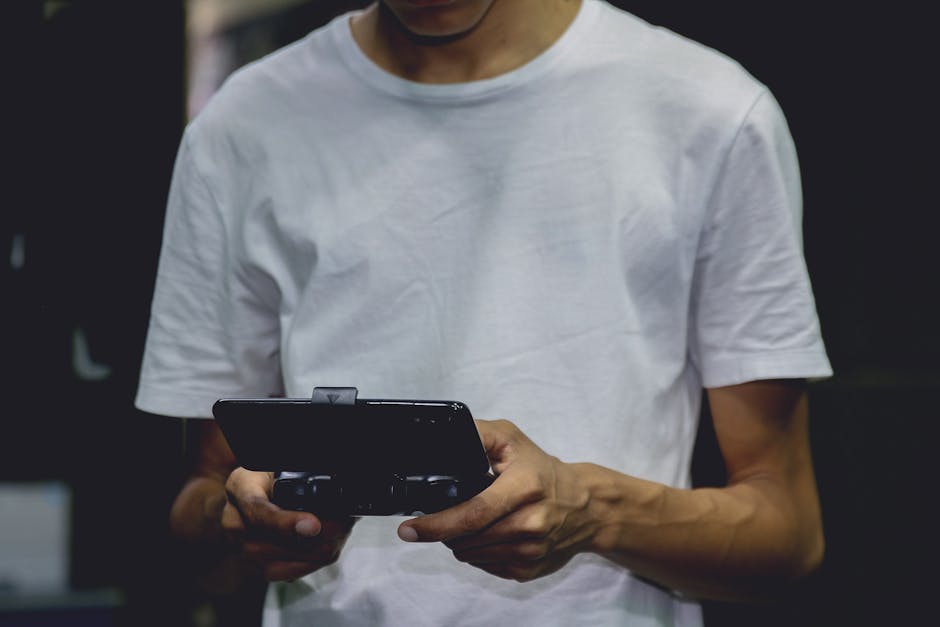
Many mobile games try to replicate the feeling of a traditional console controller by placing virtual buttons and joysticks on the screen. While it seems straightforward, designing these elements effectively is actually quite challenging. They need to be positioned where your thumbs naturally rest, yet they cannot obscure too much of the action on the screen.
Virtual joysticks are particularly clever because they are often dynamic. Instead of forcing you to place your thumb in a precise spot, many games allow you to touch anywhere on a certain side of the screen, and the virtual joystick will materialize right under your thumb. This flexibility accommodates different hand sizes and holding styles comfortably.
- Placement Customization: Allowing players to drag and drop buttons to their preferred locations.
- Opacity Controls: Letting users adjust how transparent the buttons are to see through to the game world.
- Sensitivity Adjustments: Giving players control over how much movement is required for the virtual joystick to register an input.
Gestures and Multi-Touch Mechanics
The true power of modern touchscreens lies in their ability to detect multiple contact points simultaneously. Multi-touch technology allows for complex gestures that go far beyond simple tapping. This is essential for games that require intricate controls, such as rhythm games or complex strategy titles.
A simple two-finger pinch gesture can zoom the camera in or out, while a two-finger rotation can pan the view. Some games even use multi-finger taps to activate special abilities or trigger specific character animations. This functionality allows developers to create much more nuanced and deep control schemes than a single-touch interface could ever support.
Mastering these multi-touch mechanics requires significant practice, but they provide a level of control that can feel very rewarding once learned. Developers often include tutorial levels dedicated to teaching these gestures in a low-pressure environment, ensuring that players understand these controls before things get intense.

Haptic Feedback: Adding Texture
One of the biggest limitations of touchscreens is the lack of physical feedback; you are essentially tapping on a flat piece of glass. Haptic feedback helps bridge this gap by using the device's built-in vibration motor to provide a physical sensation to your fingertips. When you perform an action, the phone delivers a short, sharp vibration to confirm the input.
This subtle tactile confirmation makes a massive difference in how how touch controls work in mobile games. When you successfully hit a target, fire a weapon, or press a menu button, the vibration tells your brain that the action was recognized without you needing to look at the screen to verify it. It adds a layer of weight and feedback to actions that would otherwise feel disconnected.
Modern mobile devices can produce very sophisticated haptic patterns, ranging from subtle clicks to intense rumbles. Some games use these patterns to communicate different types of events, such as differentiating between a light bump and a major explosion. This creates a much more immersive experience by engaging your sense of touch alongside your sight.
Challenges and Optimizations
Designing controls for mobile is a constant battle against limited screen real estate. Every pixel dedicated to a virtual button is a pixel that cannot be used to display the beautiful game world. Developers must constantly balance the need for functional inputs against the desire for a clean, unobstructed view.
Another major challenge is maintaining precision. Your finger is significantly larger and less precise than a mouse pointer or a joystick nub. To counter this, game developers use intelligent hit-detection systems that predict your intent. If you tap slightly near a button, the game often assumes you intended to press it, making the controls feel more forgiving and accessible.
Screen size variability also presents a massive headache for developers. A control layout that works perfectly on a large tablet might be completely unusable on a compact smartphone. Creating layouts that scale or adapt automatically to different screen aspect ratios and sizes is a critical part of the development process for any successful mobile game.
Future of Mobile Gaming Inputs
Looking ahead, the ways we interact with mobile games are only going to become more advanced. Machine learning and AI are increasingly being used to analyze player behavior and automatically adjust control sensitivities or even suggest button layouts. Imagine a game that learns your specific playing style and subtly adapts its touch controls to make you more efficient.
We are also seeing the integration of more sophisticated sensors, such as high-precision gyroscopes and accelerometers, which can work in tandem with touch controls. Combining a touch-based aim with a subtle tilt of your phone to steer can create a more organic, hybrid control scheme. As technology evolves, the distinction between holding a dedicated controller and using a touch interface will continue to blur.
The goal for the future is to make inputs feel invisible, allowing the player to interact with the game world intuitively without needing to think about the mechanics. As mobile devices become more powerful, we can expect to see even more creative and immersive ways to bridge the gap between our fingers and the digital screen.