Tips For Taking Group Photos With Your Smartphone Camera
Lighting is Everything for Group Shots
Lighting acts as the foundation of any great photograph, and it becomes even more critical when managing multiple people. Instead of placing your group directly under harsh midday sun, look for soft, diffused light to ensure everyone's facial features look flattering.
Shadows can be unpredictable when photographing groups, often hiding faces or creating awkward spots. If you are outdoors, early morning or late afternoon light offers the best results, often called the golden hour. This soft, warm glow provides a flattering illumination that reduces harsh shadows across faces.
If you are stuck shooting in bright, direct sunlight, seek out the shade of a tree or a building to achieve consistent lighting across the entire group. If you are indoors, position the group facing a window rather than having the light source behind them, which causes silhouettes.
Mastering Composition and Pro Tips for Taking Group Photos with Your Smartphone Camera
When framing your subjects, remember that less is often more, but you still need enough room to include everyone without cutting off limbs. Aim to leave a little space around the edges of the frame, which helps you crop later if needed without losing essential details.
Try to keep the camera at eye level with the group to maintain a natural perspective. If you are shooting from too high or too low, you might distort the proportions of the people in the back or front rows.
Pay attention to the background as well as the subjects. A crowded or busy background can distract from the people in your photo, so look for a simple backdrop that complements the scene. If you cannot find a clean background, try using portrait mode to softly blur the surroundings, which helps your group pop from the frame.

Positioning People Like a Pro
The biggest challenge in group photography is ensuring everyone is visible and engaged simultaneously. Avoid letting your subjects stand in a perfectly straight line, which often looks stiff and unappealing.
Instead, encourage people to stagger their positions, creating depth and ensuring that everyone’s face is clearly visible to the lens. Bringing some people closer to the camera and having others stand slightly back adds a professional touch to your composition.
Consider the height differences within your group to create a balanced look. Place shorter individuals in the front and taller people toward the back, or have some people sit on chairs or stools while others stand behind them. This arrangement makes it easier to fit everyone into the frame effectively without creating a massive, sprawling line that is hard to capture.
Leveraging Smart Camera Features
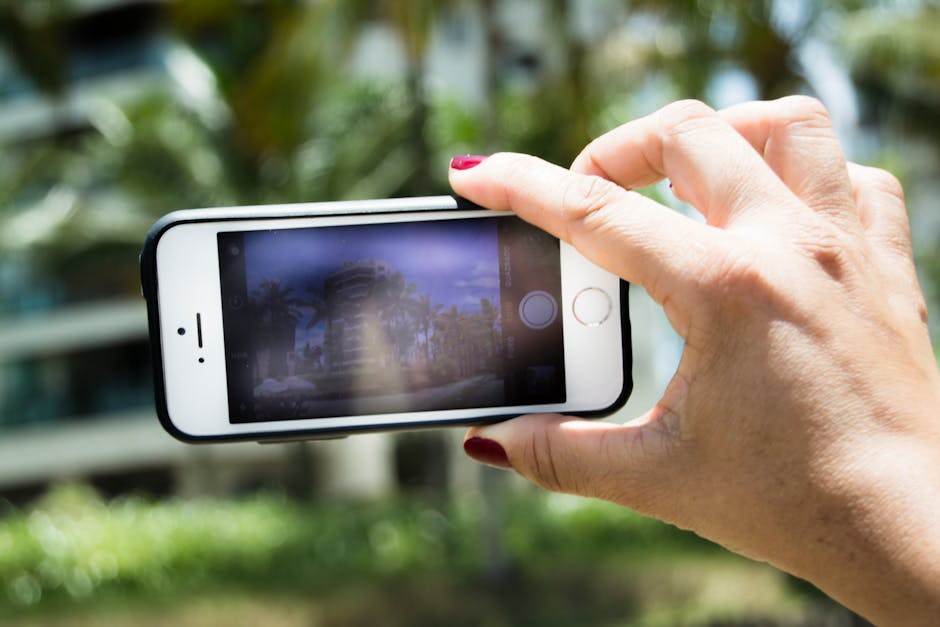
Modern smartphones come packed with tools specifically designed to make shooting easier. Using the built-in timer function is one of the most effective tips for taking group photos with your smartphone camera, as it allows you to join the group or stabilize the phone on a tripod before the shutter clicks.
Burst mode is another essential tool when you are working with large groups, especially when children or pets are involved. By holding down the shutter button, you capture a sequence of shots, ensuring at least one frame where everyone has their eyes open and is smiling.
- Use the self-timer set to 3 or 10 seconds to get yourself into the picture.
- Lock the focus and exposure by long-pressing on the screen before the shot.
- Check for potential lens flare if you are shooting near bright light sources.
- Encourage people to stand close together to minimize gaps and make the group feel more connected.
Evoking Genuine Reactions
A stiff, forced smile often ruins an otherwise technically perfect photo. Instead of shouting "say cheese," which inevitably leads to awkward expressions, try to engage the group with a bit of humor or conversation.
Tell a quick joke, ask them to talk to each other, or prompt them to look at the person they are standing next to. These candid moments often produce far more authentic and memorable expressions than a posed command ever could.
Give your group something specific to do with their hands or bodies to make them look more natural. Instead of everyone standing with their arms by their sides, suggest they put a hand on a shoulder or hold onto a prop if the situation allows. These small, deliberate actions can make the photo feel more intimate and less like a school portrait.
Final Touches and Post-Processing
Once you have captured your shots, take a moment to review them closely on your screen. You might be surprised by small details, like someone blinking or looking away, that you missed while in the moment.
Most smartphones have excellent built-in editing tools to adjust brightness, contrast, and saturation. A slight adjustment to the exposure can make a huge difference, particularly if the original shot was slightly too dark or too light.
Don't be afraid to crop your images to improve the overall composition if there is too much empty space around the sides. Applying a subtle filter can also help unify the look of your images, making the final result feel polished and professional before you share it with your friends or family.
