How Android Protects User Data
Understanding How Android Protects User Data
In our increasingly digital world, concerns about personal privacy are more prevalent than ever. Every tap, swipe, and search generates data, and it's natural to wonder what happens to it. For billions of users, their smartphone runs on Android, making the question of how Android protects user data a critical one. Fortunately, Android is built with multiple layers of security and privacy features designed to keep your personal information safe from unauthorized access.
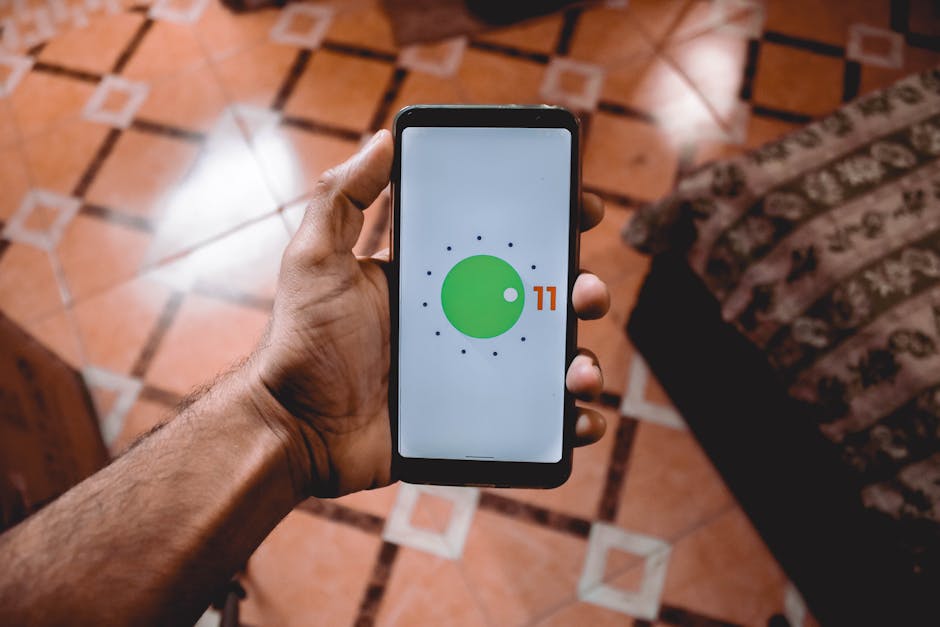
The Foundation: Sandboxing and App Permissions
One of Android's core security mechanisms is called sandboxing. Think of it like giving each app its own separate, secure playground. Every application on your Android device operates within its own isolated environment, preventing it from directly interfering with other apps or accessing sensitive system files without explicit permission. This isolation is a fundamental safeguard against malicious apps.
Building on this isolation, Android uses a robust app permissions system. When an app needs to access sensitive device features like your camera, microphone, location, or contacts, it must ask for your explicit consent. You have the power to grant or deny these permissions, and even revoke them later, ensuring you maintain control over what information apps can access.
Encrypting Your Digital Life: Device Encryption
What happens if your phone falls into the wrong hands? Android safeguards your information through comprehensive device encryption. Modern Android phones typically use file-based encryption, which scrambles individual files on your device so they are unreadable without the correct decryption key.
This means that even if someone manages to physically access your phone's storage, your photos, messages, financial data, and other personal files remain encrypted and inaccessible without your unique passcode, PIN, or biometric authentication. It's a vital line of defense, ensuring your data is protected even when your device is powered off.

Your Personal Data, Protected: The Private Compute Core
Some of the most innovative Android features rely on processing highly personal data, like speech patterns for voice commands or recognizing objects in photos. To handle this sensitive information without compromising privacy, Android utilizes what's called the Private Compute Core. This is a secure, isolated environment within your phone.
Features such as Live Caption, Smart Reply suggestions, and Now Playing (which identifies music around you) process all their data directly on your device, within the Private Compute Core. This isolation ensures that your most personal data never leaves your phone and is not shared with Google or third-party apps, upholding strong privacy standards.
Guarding the Gate: Google Play Protect and App Scrutiny
A crucial part of how Android protects user data comes from Google Play Protect. This built-in security service continuously scans millions of apps on the Google Play Store before you even download them, searching for malware, unwanted software, and other potential threats. It acts as a vigilant gatekeeper, aiming to prevent harmful apps from ever reaching your device.
Beyond initial scans, Google Play Protect also works in the background, continuously scanning apps already installed on your device, regardless of where they were downloaded from. If a dangerous app is detected, Play Protect can warn you or even automatically remove it, providing an ongoing layer of defense against evolving threats.
Keeping Ahead of Threats: Regular Security Updates
The digital threat landscape is constantly changing, with new vulnerabilities discovered regularly. This is why regular security updates are a cornerstone of Android's data protection strategy. Google consistently releases monthly security patches and larger OS updates to fix newly identified security flaws and improve existing protections.
These updates are critical for maintaining the integrity of your device. By applying the latest patches, your Android phone stays fortified against the newest attacks, ensuring that your operating system remains robust and resilient. Always keeping your device's software up-to-date is one of the easiest ways to enhance its security.
Empowering You: Privacy Dashboard and Control
Android doesn't just protect your data behind the scenes; it also gives you powerful tools to understand and control your privacy. The Privacy Dashboard, introduced in recent Android versions, offers a transparent overview of which apps have accessed your location, microphone, camera, and other sensitive permissions in the past 24 hours.
Beyond this transparency, Android provides granular controls for app permissions. You can grant one-time access for certain permissions, or limit access to "only while using the app." This user-centric approach empowers you to make informed decisions about your data and customize your privacy settings to your comfort level.
What You Can Do: Your Role in Android Data Protection
While Android offers robust built-in security, your actions play a significant role in safeguarding your data. Think of it as a partnership: Android provides the tools, and you use them wisely. Taking a few proactive steps can significantly bolster your device's overall security.
Being mindful of your digital habits and leveraging Android's features effectively can make a big difference. Here are some key practices to enhance your Android data protection:
- Use a Strong Screen Lock: Always enable a PIN, pattern, password, fingerprint, or face unlock. This is your first line of defense.
- Review App Permissions: Regularly check and adjust which apps have access to sensitive data in your settings. Only grant permissions that are absolutely necessary for an app to function.
- Keep Your Device Updated: Install system updates and app updates as soon as they become available. These often include critical security patches.
- Be Cautious About App Sources: Stick to downloading apps from the Google Play Store, where Google Play Protect scans for malware. Avoid "sideloading" apps from unknown sources unless you are absolutely sure they are safe.
- Enable Two-Factor Authentication (2FA): Use 2FA for your Google account and other important services. This adds an extra layer of security beyond just your password.
Android is continuously evolving its security features to keep pace with new challenges. By understanding these protections and actively participating in your device's security, you can enjoy the full power of your smartphone with greater peace of mind, knowing your personal information is well-protected.