The Complete Guide To Smartphone Camera Lens Cleaning And Maintenance
Why Your Pictures Look Hazy
Have you ever taken a photo of a stunning sunset or a special moment with friends, only to find the image looks foggy, streaky, or oddly glowing? More often than not, the culprit isn't a faulty sensor, but simply a layer of grime, oils, or dust covering your glass. Mastering the art of smartphone camera lens cleaning and maintenance is the easiest way to instantly improve your photography quality without needing an expensive upgrade.
Our phones spend all day in pockets, bags, and hands, collecting microscopic debris and skin oils that inevitably transfer onto the camera lens. This residue scatters light as it enters the lens, creating those frustrating halos and soft, blurry spots. By taking just a few seconds to understand the fundamentals of lens care, you can ensure your images remain sharp and clear every time you tap the shutter button.
Essential Tools for Effective Smartphone Camera Lens Cleaning and Maintenance
You do not need professional-grade equipment to keep your gear in top shape. In fact, most of the best tools are inexpensive and probably already sitting in your house or can be found at any local store. Using the right materials is crucial because smartphone lenses are often coated with delicate anti-reflective layers that can be permanently scratched by harsh fabrics.
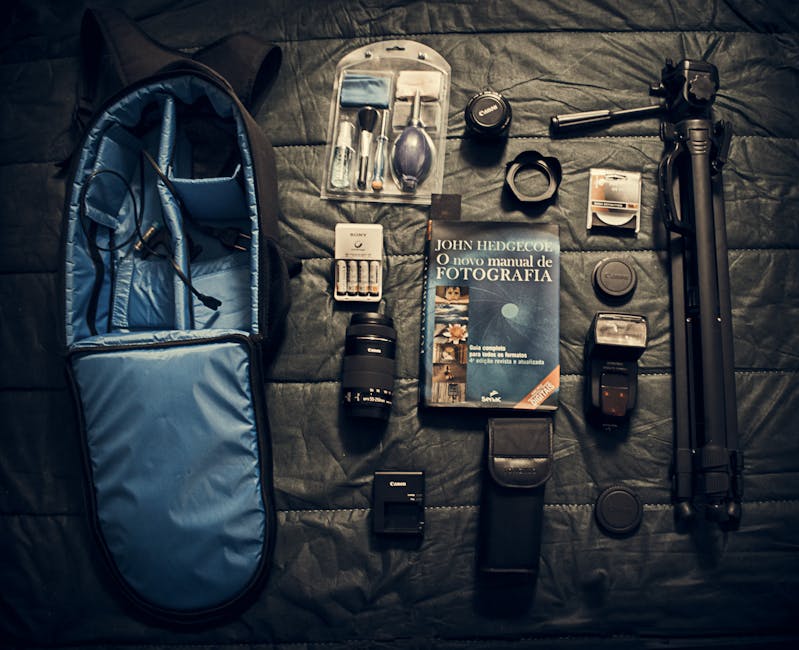
To perform proper smartphone camera lens cleaning and maintenance, you should assemble a small kit. Having these items readily available makes the process quick, safe, and effective. Here are the items you should keep on hand:
- A high-quality microfiber cloth, which is essential for trapping oils without scratching the glass.
- A small air blower designed for optics to safely remove loose dust and particles.
- A lens cleaning pen with a soft brush on one end and a carbon tip on the other.
- A mild, alcohol-free lens cleaning solution specifically formulated for delicate optical glass.
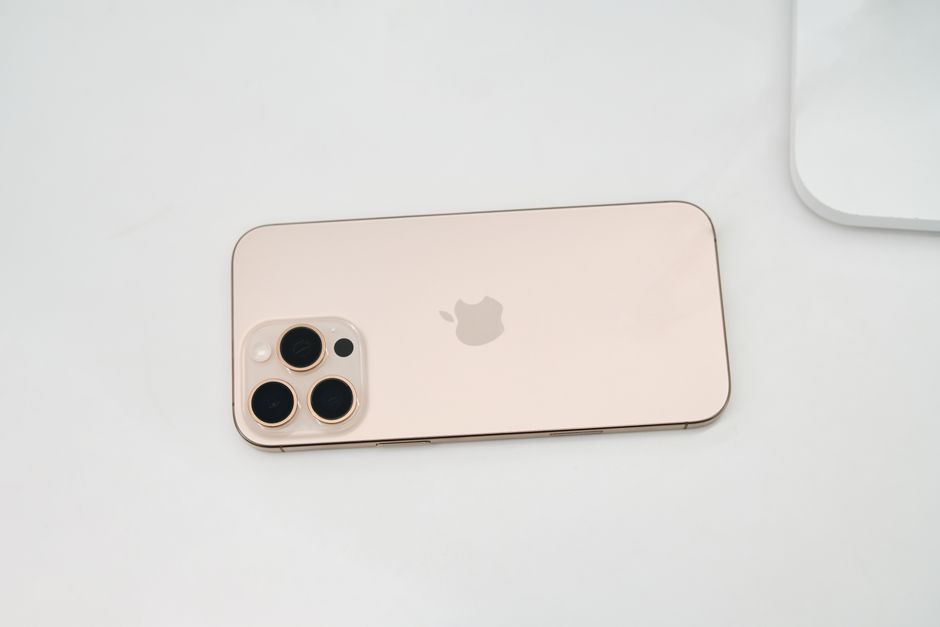
Step-by-Step Cleaning Process
The first step in any cleaning routine is to remove loose debris to avoid grinding it into the glass surface. Use your air blower to gently puff away any dust, sand, or lint that may be resting on the lens surface. Skipping this step often leads to micro-scratches, as even tiny particles can act like sandpaper when wiped across the lens.
Once the loose debris is gone, take your microfiber cloth and gently wipe the lens in a circular motion starting from the center and moving outward. If oils or stubborn smudges persist, apply a tiny amount of lens cleaning solution to the cloth, never directly onto the lens itself. A gentle touch is all that is required to lift away fingerprints and smudges effectively.
Common Mistakes to Avoid When Maintaining Your Lens
Many people unknowingly damage their camera hardware by using common household items to clean their phones. Using your shirt, a paper towel, or a napkin might seem convenient, but these materials are often abrasive and contain wood fibers that cause microscopic scratches over time. These scratches might not be visible immediately, but they will eventually degrade your photo quality.
Another major mistake is using harsh household cleaners like window spray or soap. These chemicals can strip away the specialized coatings applied to your lens, which are vital for reducing flare and improving contrast. Always stick to products explicitly labeled as safe for camera optics to ensure the longevity of your camera system.
How Often Should You Clean Your Lens?
How frequently you perform smartphone camera lens cleaning and maintenance depends entirely on how you use your phone. If you take many photos, carry your phone in your pocket, or have a habit of touching the lens area, a quick daily check is recommended. A fast wipe with a clean microfiber cloth is usually enough to maintain clarity without needing a deep clean.
If you notice persistent hazy spots or if you have been in a particularly dusty or humid environment, a more thorough cleaning session is necessary. Make it a habit to inspect your lens before capturing important scenes. Treating this as part of your photography workflow ensures you never miss a shot because of a dirty lens.
Protecting Your Lens from Scratches and Damage
Prevention is just as important as cleaning when it comes to long-term care. Consider using a phone case that has a raised lip around the camera module, which keeps the lenses from touching surfaces when you lay the phone down. This simple design feature is one of the most effective ways to prevent direct impact and scratching.
Be mindful of where you place your phone when you are not using it. Avoid storing it in pockets or bags alongside keys, coins, or other sharp metal objects that could easily cause deep scratches. Protecting the physical integrity of the glass is vital for maintaining the resale value and photographic performance of your device.

Advanced Tips for Maintaining Crystal Clear Photos
Beyond cleaning, how you hold your phone plays a significant role in keeping your lenses clean. Try to develop the habit of gripping your phone by the edges rather than the back, which helps you avoid accidentally touching the camera module with your fingers. This small change in handling reduces the amount of oil that accumulates on the lens throughout the day.
If you are frequently shooting in extreme conditions, such as at the beach or in dusty workshops, consider keeping your phone in a dedicated protective pouch when it is not actively in use. Keeping your device clean and well-maintained is a simple but powerful habit. By following these guidelines, you ensure that every photo you take looks sharp, vibrant, and clear.