How Real Time Strategy Games Work On Pc
What Makes Real-Time Strategy Games Tick
Real-time strategy games have been a defining genre of PC gaming for decades, challenging players to balance economic management with frantic military action. Unlike turn-based games, these titles demand split-second decision-making because the simulation never pauses to wait for your next move. Understanding how they function on your machine reveals a complex dance between game design and high-speed technical performance.
At their heart, these games are massive simulations running on your processor and graphics card simultaneously. Thousands of units, building states, and resource counts are being tracked and updated constantly. This constant state of flux is what makes the experience feel both rewarding and incredibly demanding for the hardware involved.
The Core Loop: Gathering and Building
The fundamental loop in most of these titles involves gathering resources and spending them to expand your base or military power. Your processor constantly monitors the location of workers, the distance to resources, and the current storage capacity of your structures. Every click you make triggers a cascade of calculations that adjust these variables in real time.
Efficiency is paramount, as you are juggling multiple tasks at the exact same moment. You need to simultaneously manage base construction, unit production, and exploration to maintain an edge over opponents. This balancing act is the primary reason why mastering the game's economy is just as vital as winning battles.
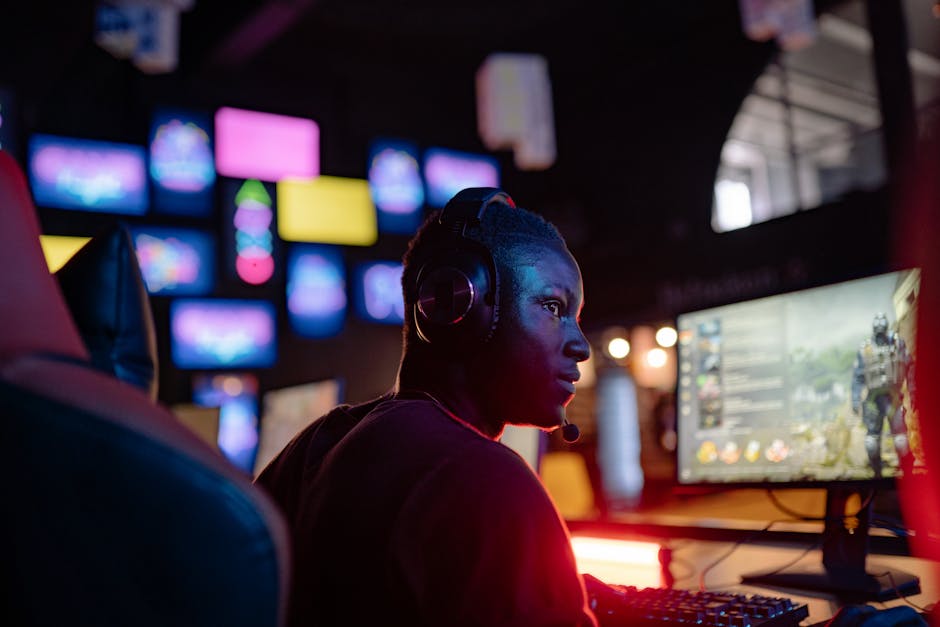
Mastering the PC Keyboard and Mouse
The PC platform remains the natural home for this genre because of the precision offered by the mouse and keyboard combination. The mouse allows for rapid selection of units, while keyboard hotkeys enable complex commands to be issued in milliseconds. This interface design is critical, as it separates a casual player from a competitive strategist.
Game developers invest heavily in optimizing how user input translates into on-screen action. Without responsive controls, the fast-paced nature of the gameplay would become frustrating rather than challenging. Modern titles often allow for extensive custom key mapping to further improve player speed and comfort.
- Camera management: Scrolling around the map quickly using mouse-edge panning or hotkeys.
- Unit control groups: Assigning specific units to keys for instant selection during combat.
- Production queues: Managing building construction without navigating away from the active battle front.
Under the Hood: AI and Decision Making
Computer-controlled opponents in these games must simulate human behavior to remain engaging and challenging. The AI tracks the player's progress, analyzes potential threats, and dynamically adjusts its strategies accordingly. This process requires sophisticated algorithms to handle decision-making without causing significant lag in the game simulation.
Pathfinding is perhaps the most difficult technical hurdle for AI in this genre. When you command a hundred units to move across a map, the game must calculate a unique path for each one while avoiding obstacles and other friendly units. Poorly implemented pathfinding can lead to units bunching up or getting stuck, which instantly breaks the immersion.

The Technical Challenge of Synchronization
When playing online, the game must maintain absolute synchronization between all participants. Every computer must calculate the exact same outcome for every action to ensure everyone sees the same battle unfolding. Even a tiny mismatch in calculations can cause a desynchronization error, which usually ends the match immediately.
To solve this, developers often use a lock-step architecture where each computer only sends the command input to other players rather than the resulting game state. This minimizes the amount of data transferred across the network while keeping the simulation in sync. It is a highly efficient approach, but it requires every player to have a stable connection.
The Role of User Interface Design
A well-designed user interface is crucial because it provides the player with essential information without cluttering the screen. You need to see resource counts, unit status, and the minimap at all times. If the interface is poorly designed, players miss critical information, leading to mistakes that could have been easily avoided.
Modern interfaces are often modular, allowing players to scale elements or adjust transparency to suit their preferences. The goal is to provide maximum visibility into the game's state while leaving as much screen space as possible for the actual gameplay. Information density must be carefully balanced with visual clarity to prevent overwhelming the user.

Why RTS Games Remain a PC Staple
The longevity of these titles on PC is rooted in the platform's ability to handle the intensive CPU and memory requirements they demand. The complexity of hundreds of independent agents acting simultaneously is difficult to replicate on platforms with more restrictive hardware. Furthermore, the keyboard-centric input method is practically impossible to replace with controllers.
The future of the genre looks promising as technology advances to allow for even larger unit counts and more sophisticated simulations. Developers continue to push the boundaries of what is possible, creating more immersive worlds that test our strategic thinking. As long as PC gamers crave deep, high-stakes tactical challenges, this genre will continue to thrive.